Cleaner Checklists: Boost Efficiency and Quality
Optimize your cleaning operations with our Cleaner Checklist Builder. Create detailed, easy-to-follow checklists that ensure consistent cleaning standards across all properties.
Improve cleaning quality, reduce oversight, and streamline your cleaning team's workflow.


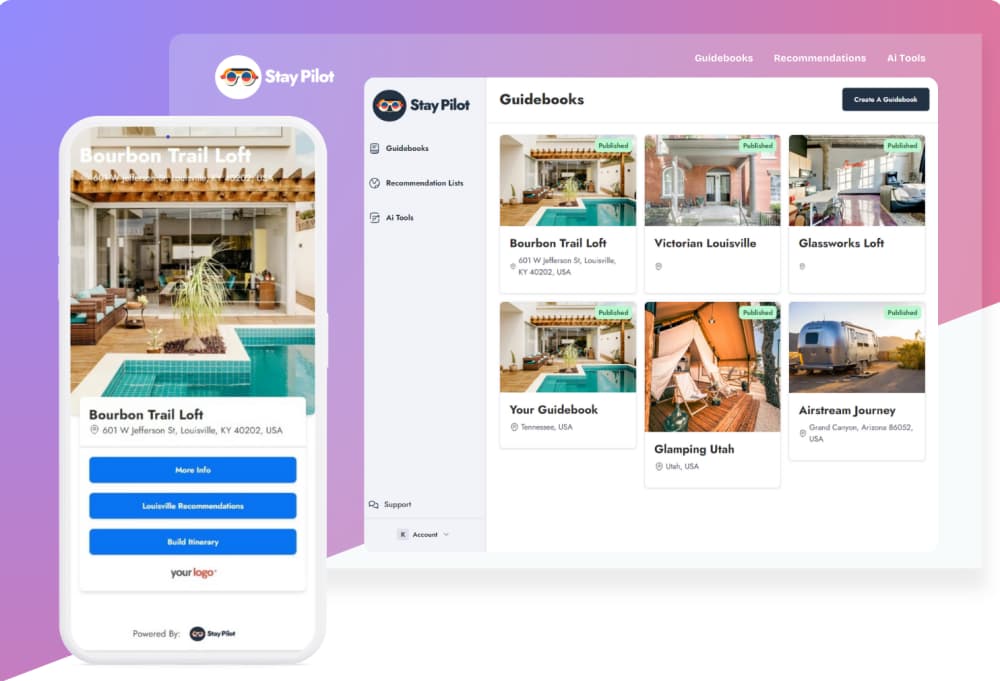
Streamline Your Cleaning Process
Maintaining cleanliness across multiple properties can be challenging. Our checklist builder allows you to create detailed, property-specific cleaning guides. Ensure nothing is overlooked and maintain high standards with easy-to-use, digital checklists.
Key Benefits
- Customizable checklists for each property
- Ensure consistent cleaning standards
- Track completed tasks and areas needing attention
- Reduce training time for new cleaning staff
- Improve communication between property managers and cleaners
Guests get instant answers,you get peace of mind
Natural conversation
Guests ask questions in plain language, and directs them to the right section.
Instant responses
No waiting for you to wake up or check your phone
Accurate every time
AI only uses information from your guidebook—no hallucinations
See how guests interact with the AI assistant
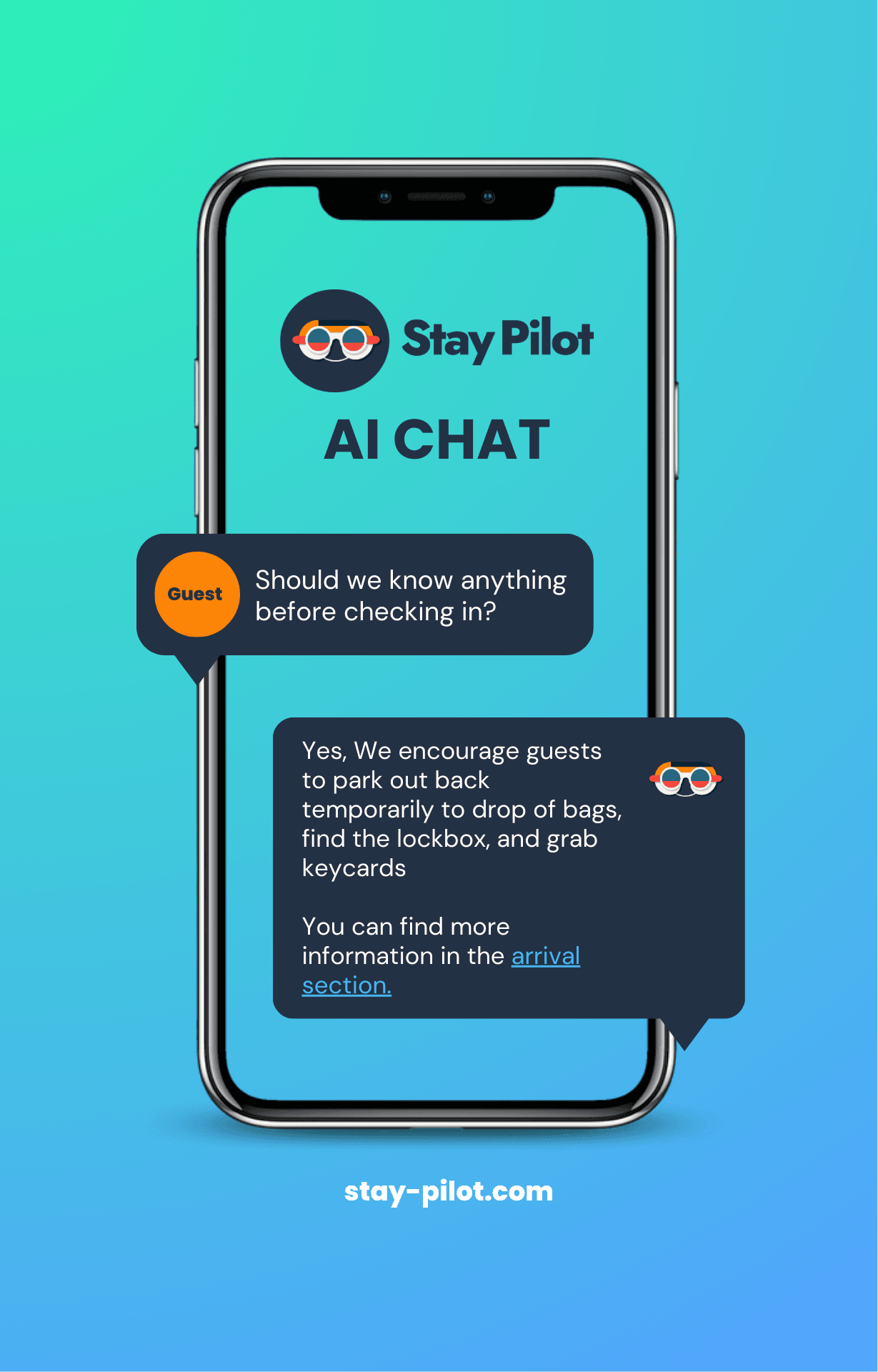
93% of guest questions answered without host involvement
Hosts are answeringfewer questions every day
Don't take our word for it. Here's what property managers and hosts have to say about Stay Pilot.
“I previously used a google doc, but guests kept having trouble accessing it (especially on their phones)! Since I made my guidebook I haven't had a single issue. Not only that, but almost every guest seems to comment that they appreciated the recommendations.”

“I love it. But more importantly my guests seem to really like the guidebook. Within the first couple weeks multiple guests said they loved my recommendations and the itinerary builder.”

“Our property is slightly hard to find, so (what felt like) half our guests would have trouble finding the right door! After Stay Pilot we immediately stopped getting messages at check-in.”

Pay per guidebook, scale as you growOnly pay for what you use
Create your first guidebook free during your 7-day trial. Add more properties anytime—pricing adjusts automatically.
Don't need AI Chat?
Build a standard guidebook. Pay for your first guidebook. If you need more, simply create more and publish. Your subscription will be updated automatically.
- Custom Digital Guidebooks
- Beautiful Display
- Update 24/7
- Ai Itenerary Builder
- Ai Chat
- Guest Email Capture
Only pay for what you publish after your first.
Guidebook + AI Chat!
AI chat that uses your guidebook's content. Pay for your first guidebook. If you need more, simply create more and publish. Your subscription will be updated automatically.
Save $5.95/month
- Everything in the Standard Plan
- AI Chat
- Guest Email Capture
- Guest Email Dashboard
- Password Protection
Empower your guests
FAQ
Frequently Asked Questions
- Once you sign up, you will walk through our guide builder. Once you enter all of your listing data a digital guidebook will be created automatically that you can share with guests via link or QR code.
We offer a trial period of 7 days. If you do not like your guide you can cancel. But we do not offer refunds at this time.
- Amazing, we are here to help! Feel free to contact us via email!
- Our AI chat uses your guidebook's content to answer guest questions instantly, 24/7. When a guest asks about WiFi, check-in, or local recommendations, the AI provides accurate answers based on the information you've added to your guidebook. No setup required beyond building your guidebook.
- Yes! Stay Pilot offers 7+ built-in themes plus a custom theme builder where you can set your own colors, gradients, and branding. Every guidebook can have its own unique look that matches your property's style.
- Guests access your guidebook through a simple link or QR code. No app download required. The guidebook works on any device with a web browser, and you can share the link via your booking platform's messaging, email, or printed materials.
- You can create as many guidebooks as you need. Pricing scales based on the number of published guidebooks, starting at $8/month for your first guidebook with volume discounts as you add more.
- No. Stay Pilot guidebooks are web-based and work in any browser. Guests simply click a link or scan a QR code to access your guidebook instantly. No download, no signup, no friction.

Simplify hosting, share, and convert
Don't resort to a binder that is out of date. Create a digital guidebook so your guests are always informed.